Current work
Galleries are live for 2 months
(Subject to change, an email warning will always be sent out prior to gallery being removed)


How to: the Store
How to purchase a Package
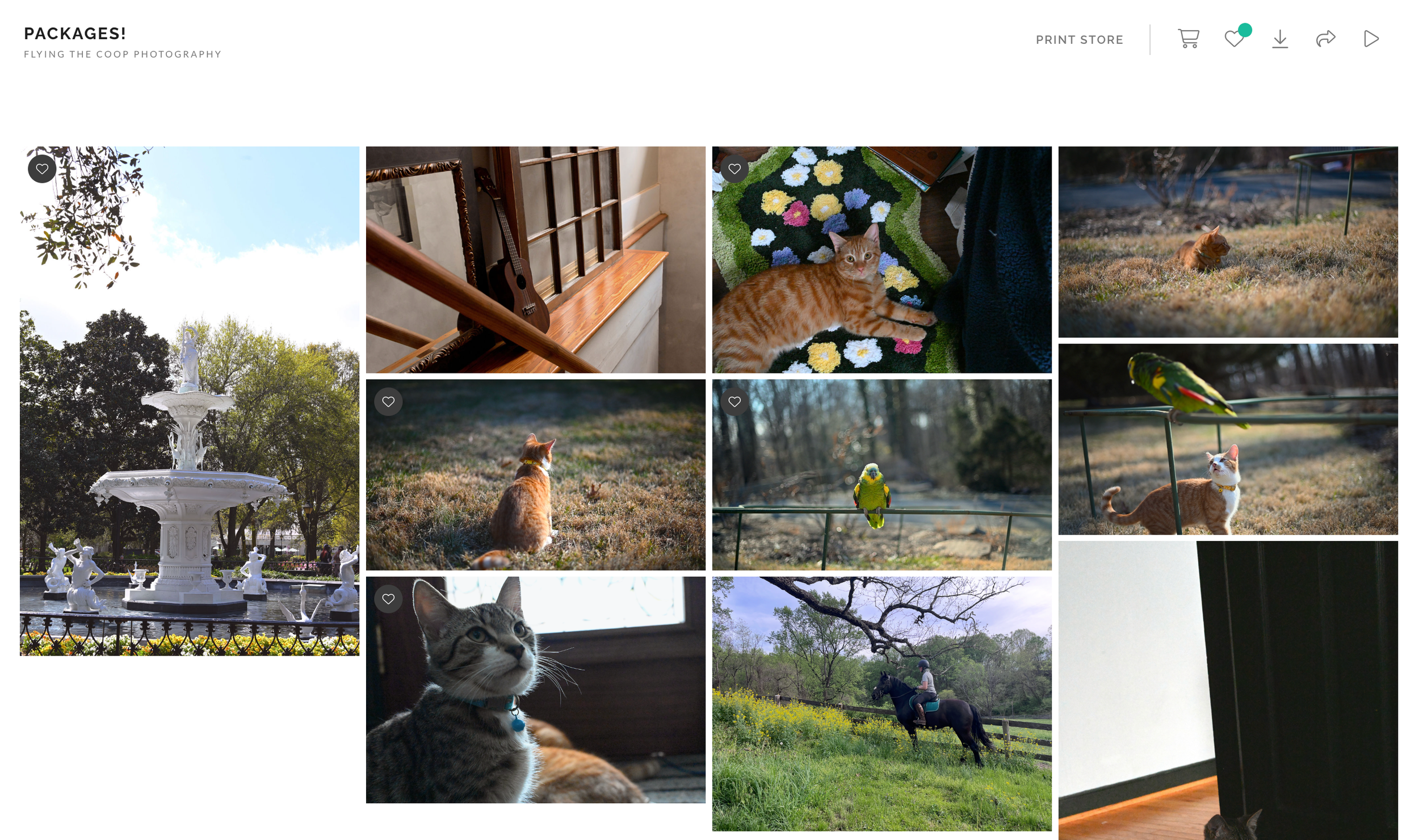
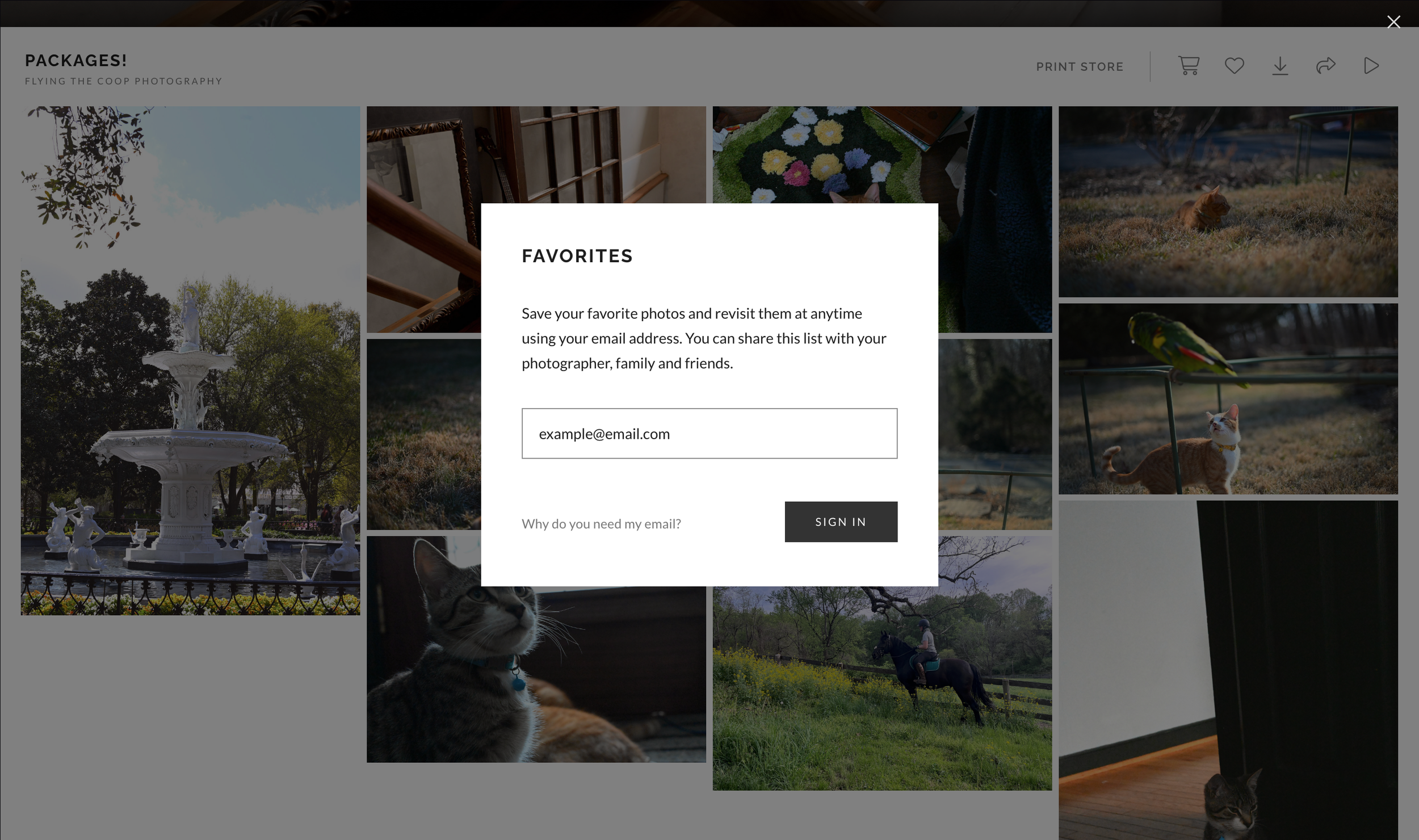
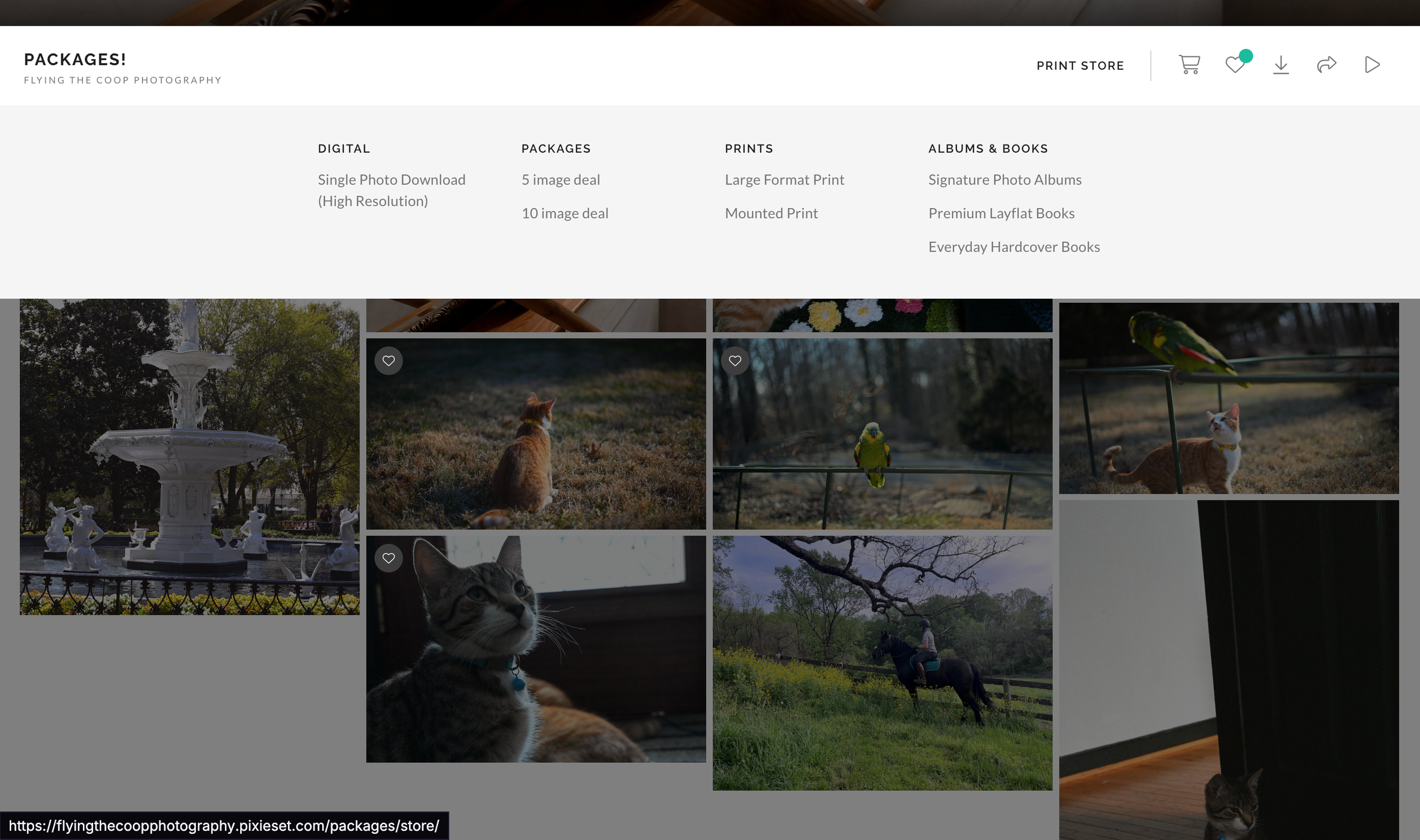
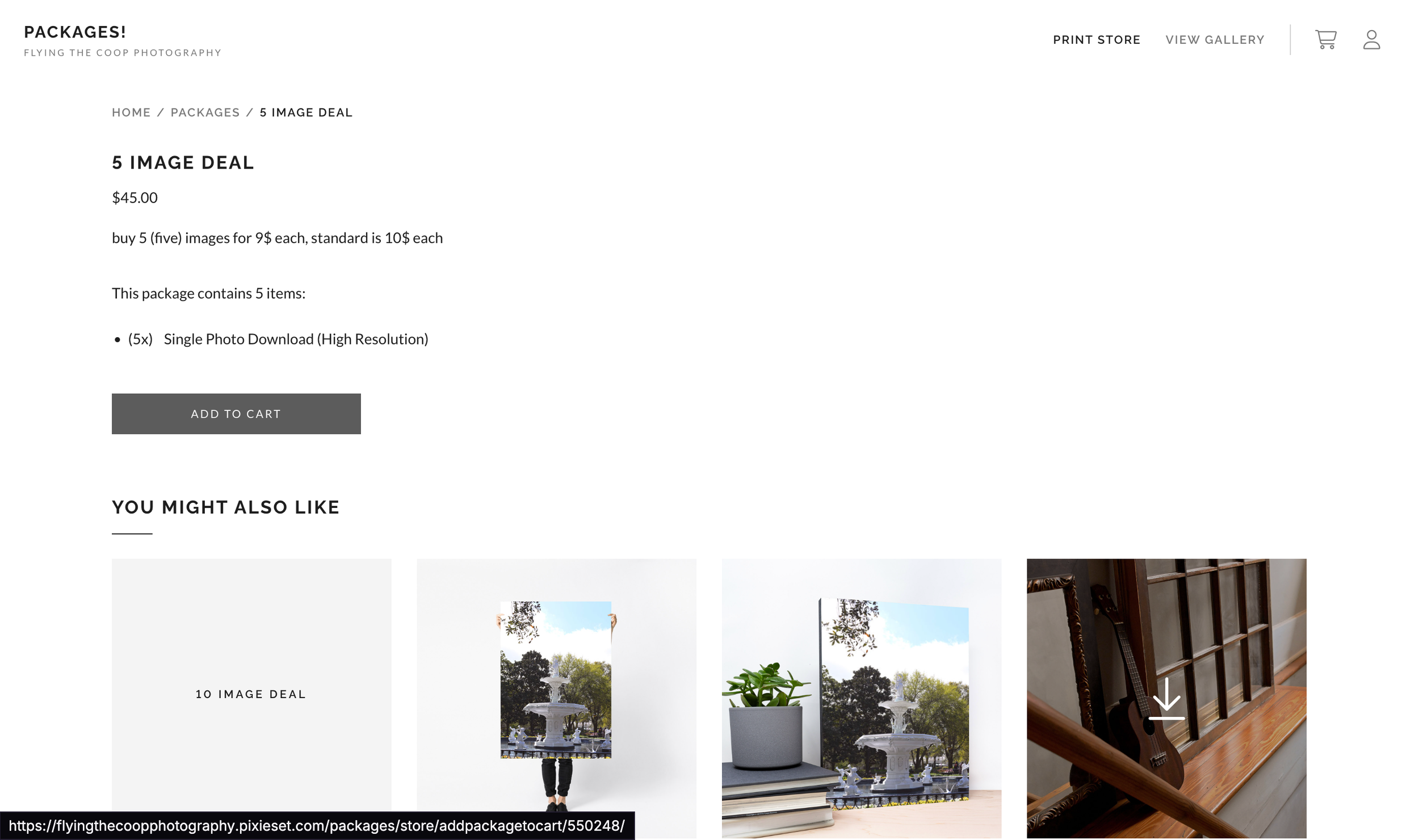
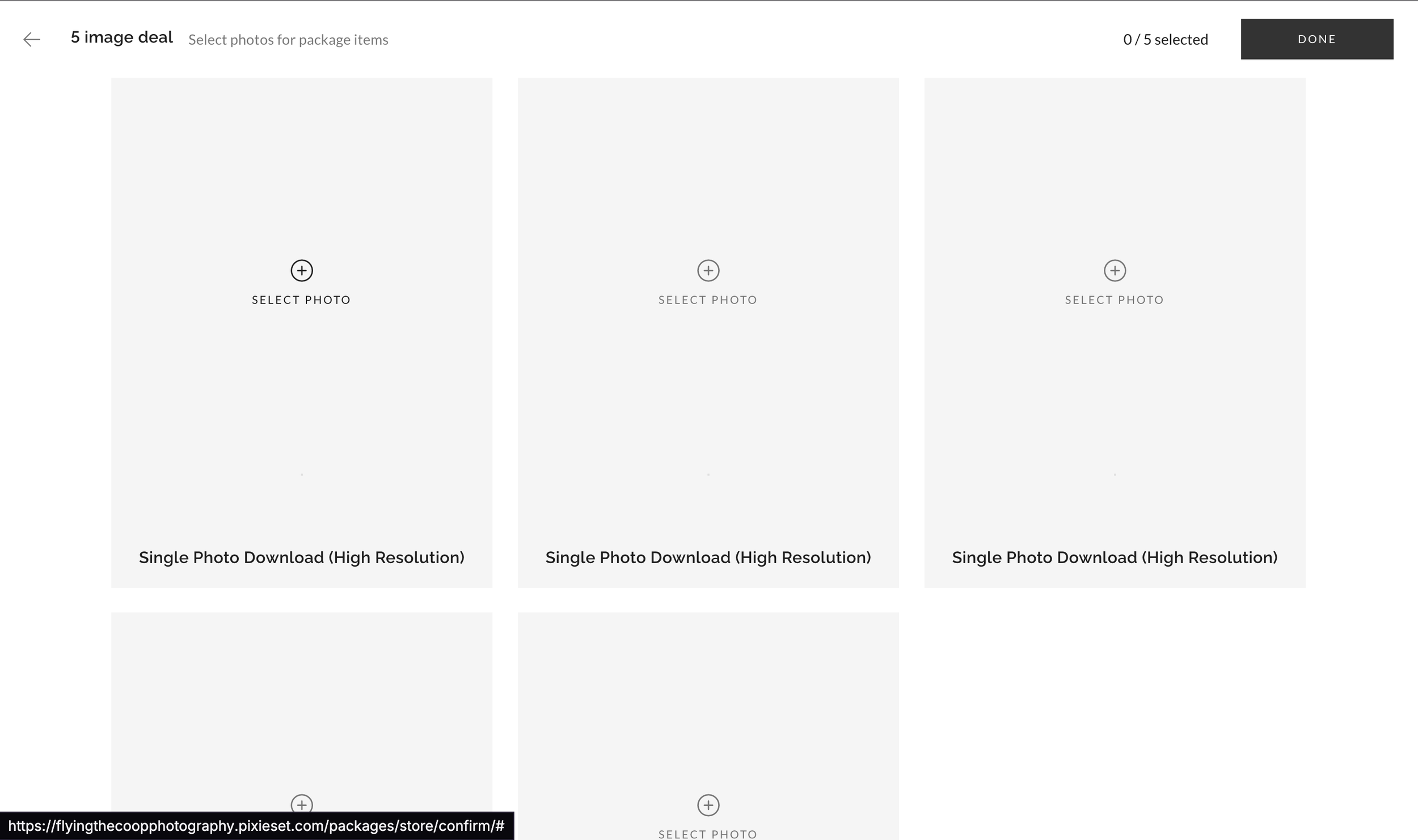
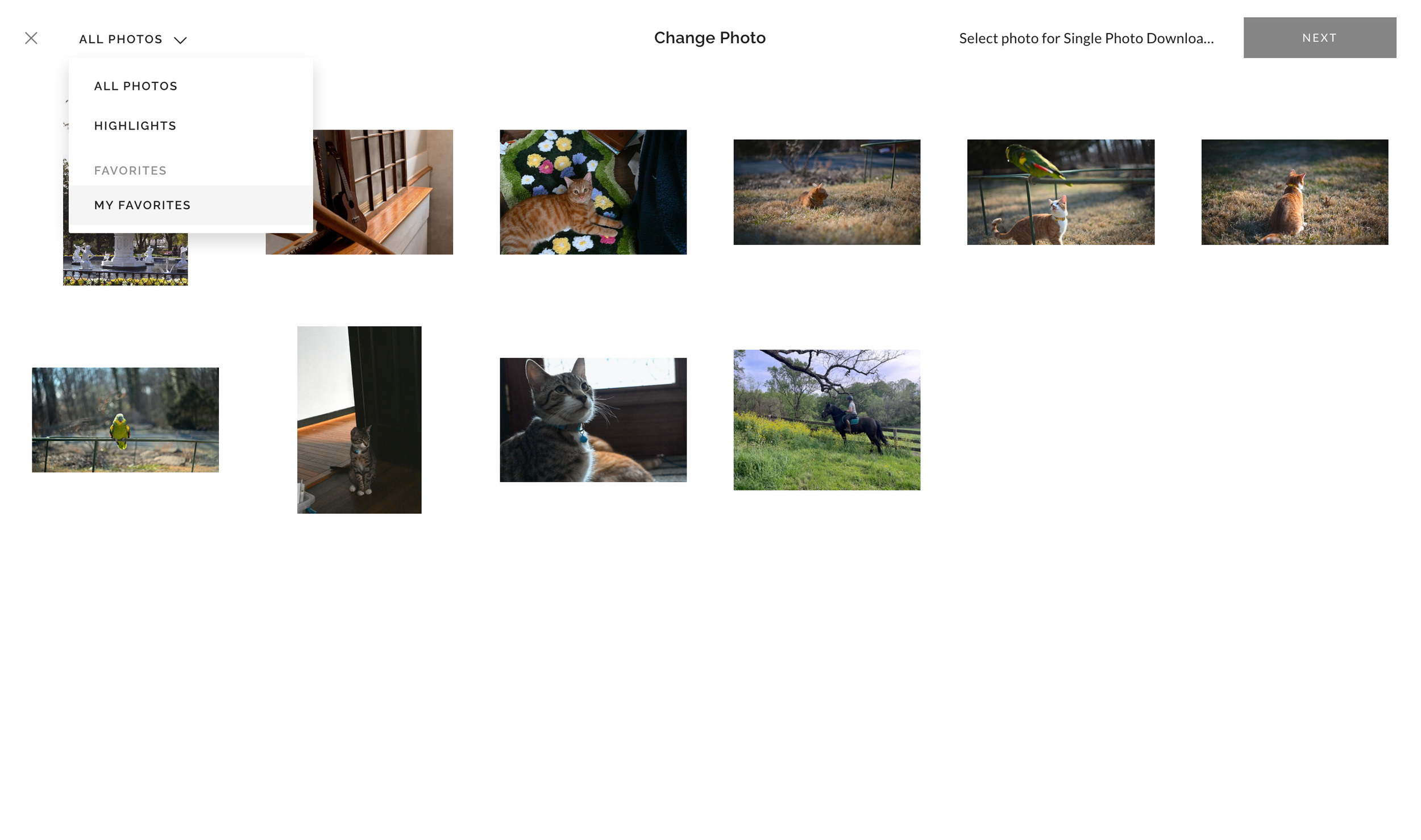
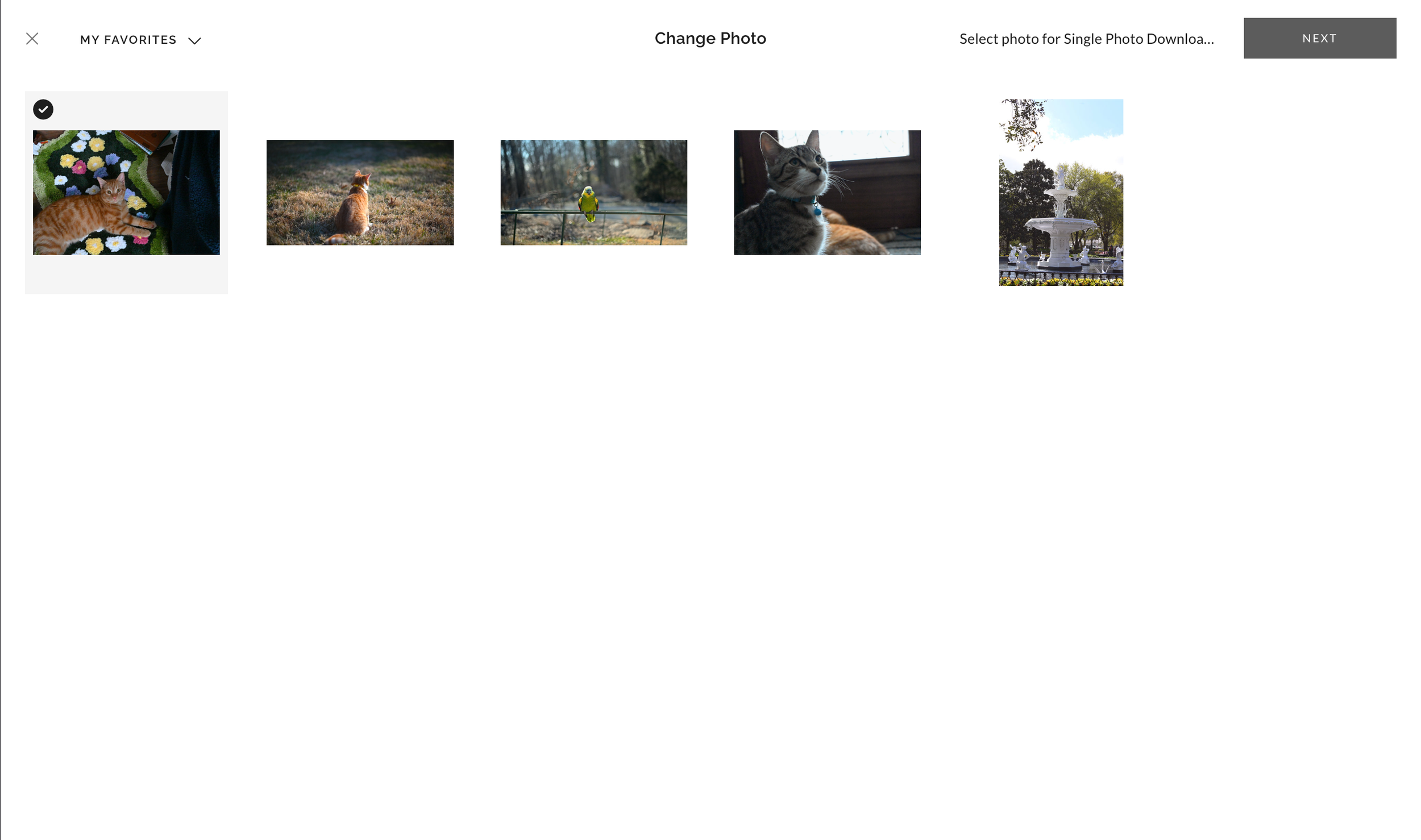
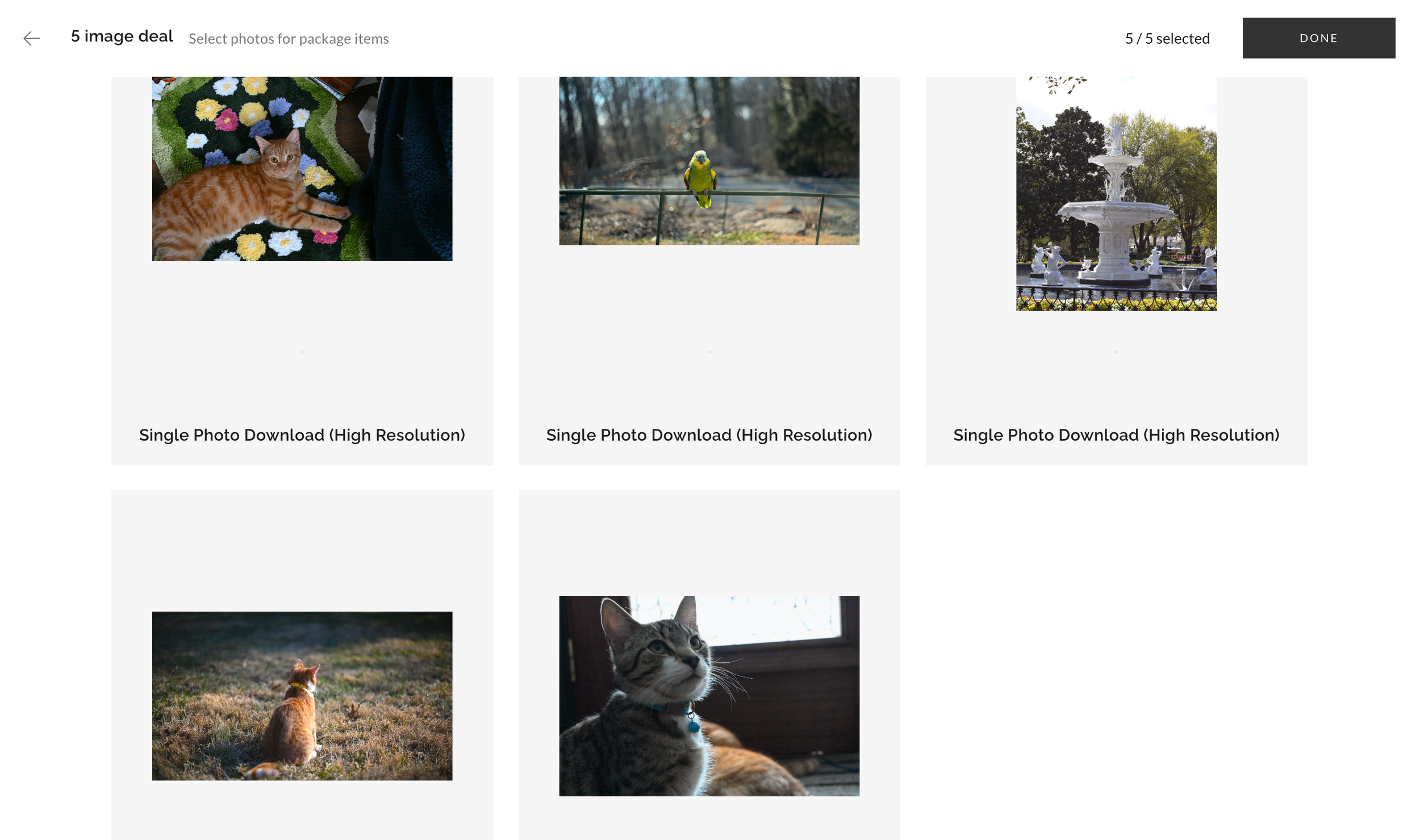
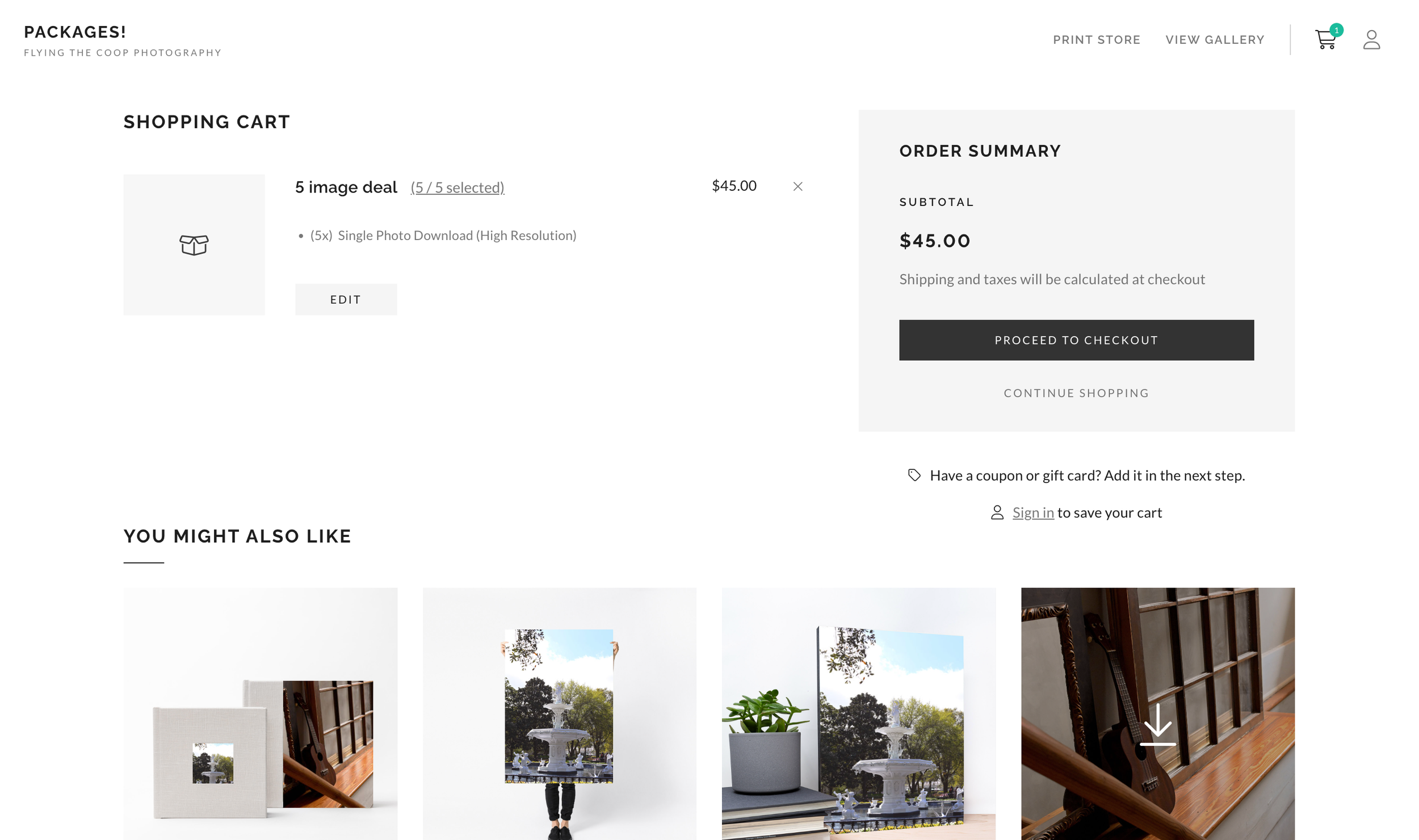
Flying the Coop Photo sells Photo Packages, a Package of 5 or a Package of 10. These packages are at a cheaper rate then buying 5 or 10 individual photos. To purchase a package it is easiest to add all the photos you wish to purchase to your favorites, then go to the print store and select which ever package you want from the "packages" menu. Once you’ve chosen your package a new window will come up with slots for 5 or 10 photos, when you click on one of the slots it will bring you to the overall gallery, from the drop down menu in the top left and select "my favorites" which will bring up your favorited images. Select all images you want. Sign in to save cart or continue as a guest. And then you've done it!